
Gaming used to be simple. You bought a console, plugged it into a TV, and started playing. But modern PC gaming changed the rules. Today, many people believe that to enjoy PC games properly, you must spend $1,000, $1,500, or even more on a high-end gaming rig.
A cheap gaming PC under $500 can still deliver smooth gameplay, solid performance, and access to thousands of games on platforms like Steam, Epic Games Store, Xbox Game Pass, and more. With the right strategy, you can run popular titles such as Fortnite, GTA V, Minecraft, Rocket League, Valorant, Apex Legends, and even many modern AAA games without spending a fortune.
The key is knowing where to spend your money and where to save it. Many beginner buyers make the same mistake. They either purchase a weak office PC that cannot run games or they overspend on flashy components that add little real performance. Marketing hype can easily trick someone new to gaming PCs.
This guide exists to prevent that from happening.
Instead of throwing random recommendations at you, this article will walk you through everything you need to know about buying or building a cheap gaming PC under $500 in the United States. You will learn which components matter the most, which budget gaming desktops are actually worth your money, and how to stretch a limited budget into a surprisingly capable gaming machine.
By the end of this guide, you will understand:
• Why budget gaming PCs are still powerful enough for modern games
• The difference between prebuilt gaming PCs and custom DIY builds
• The best cheap gaming PCs under $500 available in the US right now
• Smart component choices that maximize gaming performance
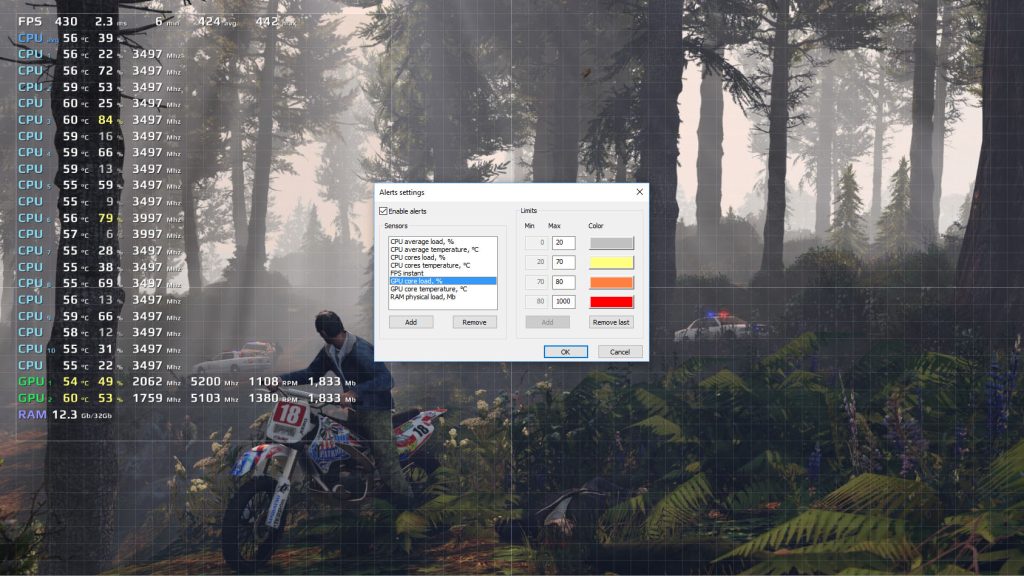
• Performance tricks that can dramatically increase FPS on low-cost systems
• Where to find the best deals on budget gaming computers
You may be surprised by how far $500 can go.
Technology has improved dramatically in the last few years. Entry-level processors are faster, budget graphics cards are more efficient, and games themselves are better optimized for mid-range hardware. This means gamers with smaller budgets can still build capable machines that deliver enjoyable experiences.
The goal of this guide is simple.
Help you get the most gaming power possible without wasting money. Whether you want to buy a ready-made gaming desktop or build your own affordable rig, the strategies inside this guide will help you choose the right path.
Why Cheap Gaming PCs Are Still Viable in 2026
A few years ago, building a gaming PC for less than $500 was extremely difficult. Graphics cards were expensive, processors were weaker, and games demanded more powerful hardware.
That situation has changed.
In 2026, it is entirely possible to enjoy a large portion of the gaming library with a cheap gaming PC under $500. While you may not run every new AAA game at ultra graphics settings, you can absolutely achieve smooth gameplay in many popular titles.
Understanding why budget gaming PCs still work requires looking at three major changes in the gaming industry. First, modern processors have become significantly more powerful, even at entry-level prices.
Budget CPUs from AMD and Intel now include multiple cores, higher clock speeds, and improved efficiency. These improvements allow cheaper computers to handle game engines that once required high-end systems.
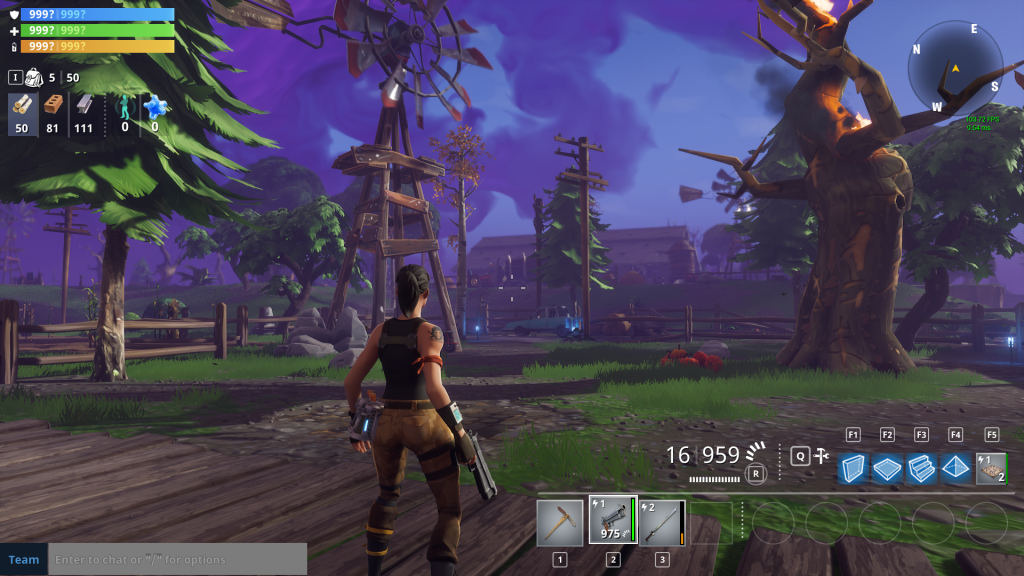
Second, many games are optimized for competitive players rather than for maximum graphics. Esports titles are designed to run on modest hardware because developers want as many players as possible. Games like Fortnite, Valorant, Counter-Strike 2, Rocket League, and League of Legends can run smoothly on budget machines.
These games dominate the global gaming market.
That means a cheap gaming PC under $500 can still deliver excellent experiences for millions of players. Even lower-end GPUs now support modern graphics APIs like DirectX 12 and Vulkan. These technologies allow games to use hardware more efficiently, producing better performance on affordable systems.
Additionally, many games now include built-in scaling technologies that increase frame rates on weaker hardware. Features such as resolution scaling, dynamic resolution, and performance modes allow players to maintain smooth gameplay even with limited hardware.
Another factor helping budget gaming PCs survive is the massive growth of digital game stores. Platforms such as Steam and Epic Games Store offer thousands of games that do not require expensive hardware. Many excellent titles were designed years ago but remain incredibly fun today.
Games like:
The Witcher 3
Skyrim
GTA V
Dark Souls
Terraria
Hades
Stardew Valley
All run very well on budget gaming PCs.
This means gamers with limited budgets still have access to one of the largest entertainment libraries in history.
There is also a growing trend of optimizing games for lower-end systems. Developers recognize that not every player owns a powerful machine, so many titles include scalable graphics options.
Lowering settings like shadows, reflections, and anti-aliasing can dramatically improve frame rates while keeping the game visually enjoyable.
For example, a cheap gaming PC under $500 may run a modern title at:
1080p resolution
Medium graphics settings
40 to 60 frames per second
That level of performance is more than enough for casual gaming. Finally, upgrading a budget PC later is always possible. A cheap gaming computer can serve as the foundation for future improvements. Adding more RAM, installing a stronger graphics card, or upgrading storage can significantly extend the life of the system.
Instead of spending thousands upfront, many gamers prefer building affordable systems and upgrading gradually over time. That strategy makes gaming far more accessible.
Build vs Buy: What’s Best for a Cheap Gaming PC Under $500?
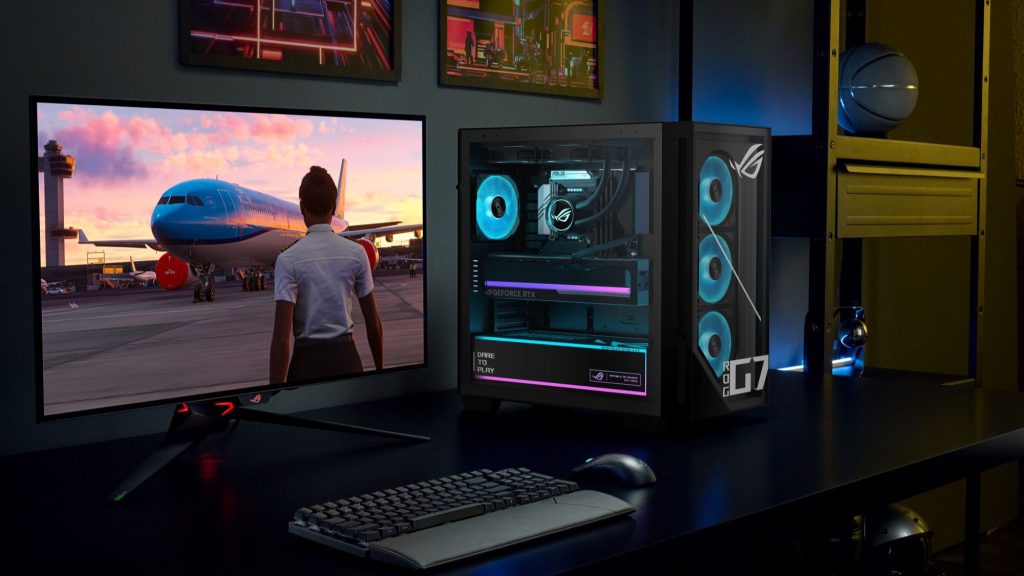
One of the biggest decisions you will face when looking for a cheap gaming PC under $500 is whether to buy a prebuilt gaming desktop or build your own custom system.
Both options can work well depending on your situation. Some gamers prefer the simplicity of buying a ready-made machine, while others want full control over every component inside their computer. Understanding the advantages and limitations of each option will help you make the smartest decision for your budget.
Prebuilt Budget Gaming PCs
A prebuilt gaming PC is a computer that comes fully assembled and ready to use. The manufacturer installs the processor, graphics card, storage, and operating system before shipping the machine to you.
For beginners, this option is often the easiest path into PC gaming. You simply unpack the system, plug in your monitor, keyboard, and mouse, and start installing games.
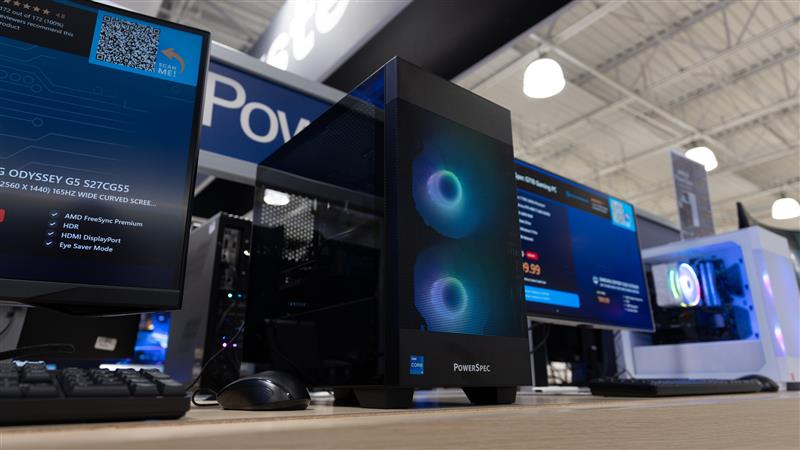
Prebuilt gaming PCs under $500 are commonly sold by major retailers in the United States, such as Amazon, Best Buy, Walmart, Newegg, and Micro Center. These systems are usually designed for entry-level gaming and casual users.
There are several advantages to choosing a prebuilt gaming PC.
First, setup is incredibly simple. There is no need to assemble parts or troubleshoot compatibility issues. Everything arrives configured and tested by the manufacturer.
Second, prebuilt systems often include warranties. If something stops working, you can contact the manufacturer for repairs or replacements. That safety net can be reassuring for first-time PC buyers.
Third, prebuilt computers usually come with Windows already installed. This saves time and avoids the extra step of installing an operating system yourself. However, prebuilt gaming PCs also come with certain limitations.
Manufacturers often use lower-cost components to keep prices under control. This might include basic power supplies, limited cooling systems, or slower RAM. These parts usually work fine, but they may reduce upgrade flexibility later.
Another downside is value per dollar.
Because companies must cover assembly costs, shipping, and support services, prebuilt systems sometimes deliver slightly weaker hardware compared to a DIY build at the same price. Still, if convenience is your top priority, a prebuilt gaming PC under $500 can be a solid starting point.
DIY Gaming PC Builds
Building your own gaming PC can feel intimidating at first, but it is actually much easier than many people expect. Modern PC components are designed to be beginner-friendly. Most parts simply connect like pieces of a puzzle.
When you build your own cheap gaming PC under $500, you select every component yourself. This gives you full control over performance, reliability, and future upgrades. One of the biggest advantages of a DIY build is better hardware value.
Instead of paying for assembly services and brand packaging, your entire budget goes directly toward performance components. That usually means a stronger processor, more RAM, or a better graphics card. Custom builds also allow you to prioritize the parts that matter most for gaming.
For example, if gaming performance is your top goal, you may allocate more of your budget toward the GPU. If multitasking or streaming is important, you might focus on the CPU and RAM instead.
Another major benefit is upgrade flexibility.
A well-built DIY gaming PC can be improved over time. You can replace the graphics card, add additional storage, or upgrade RAM without replacing the entire system. This makes DIY builds popular among gamers who want to grow their system gradually.
Building a PC requires basic research to ensure compatibility between components. You must make sure your motherboard supports your processor, your power supply provides enough wattage, and your case fits your hardware.
The assembly process itself usually takes one to three hours for beginners. However, thousands of tutorials and step-by-step videos exist online, making the learning process easier than ever.
For many gamers, building a PC becomes part of the fun. It creates a deeper understanding of how your system works and makes future upgrades much easier.
Which Option Is Better for a $500 Budget?
When your budget is limited to $500, the DIY approach often delivers slightly better performance. You can allocate money precisely where it matters most instead of paying for branding or assembly services.
However, prebuilt gaming PCs can still be good choices when they appear on sale or during seasonal promotions.
Major US retailers frequently offer discounts during events such as:
Black Friday
Cyber Monday
Back-to-School sales
Holiday promotions
During these sales, some prebuilt gaming PCs drop below $500 and become excellent value options. Ultimately, the best choice depends on your priorities. If you want simplicity and convenience, a prebuilt gaming PC is likely the right choice. If you want maximum performance and future upgrade potential, building your own system may be the smarter path.
Key Components to Look for in a Cheap Gaming PC Under $500
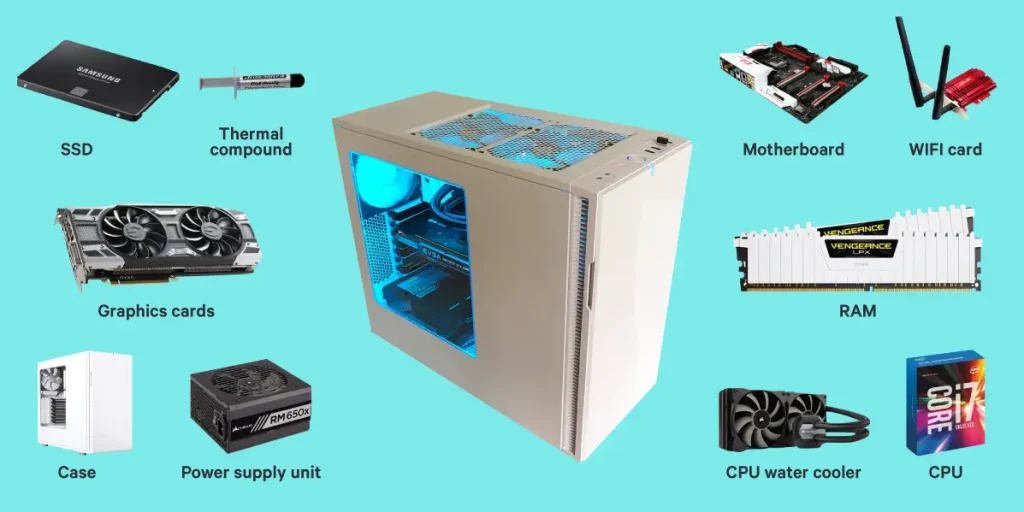
When building or buying a cheap gaming PC under $500, understanding the core components of the system is extremely important. Every gaming computer is made up of several key parts, and each one plays a specific role in determining how well your games run.
Many first-time buyers focus only on flashy features like RGB lighting or brand names. However, gaming performance depends mostly on a few critical components. Knowing which parts matter most will help you stretch your budget and avoid wasting money. Let’s break down the essential parts you should prioritize when choosing a budget gaming PC.
The Processor (CPU)
The processor, often called the CPU, is the brain of the computer. It handles calculations, runs game logic, manages background tasks, and coordinates communication between all the other components.
For a cheap gaming PC under $500, you do not need an extremely powerful processor, but you still need something modern enough to avoid bottlenecks.
Good budget CPU choices include:
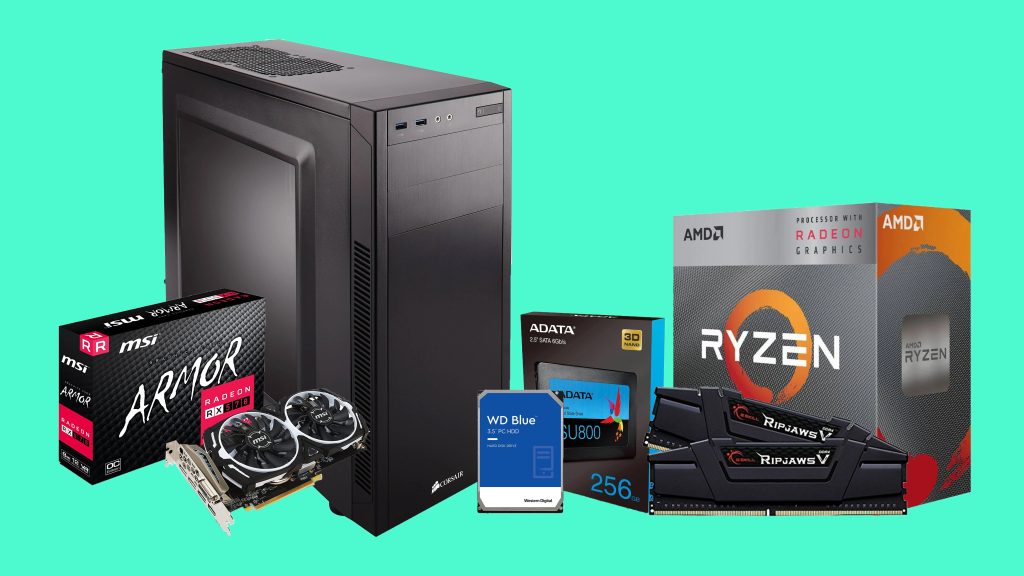
AMD Ryzen 3 4100
AMD Ryzen 5 4500
Intel Core i3-12100F
Intel Core i3-10100F
These processors offer multiple cores and strong single-thread performance, which is important for many games. In gaming systems under $500, the processor should be powerful enough to keep up with the graphics card. If the CPU is too weak, it will limit the performance of the GPU and reduce frame rates.
The Graphics Card (GPU)
The graphics card is the most important component for gaming performance. While the CPU handles game calculations, the GPU is responsible for rendering images, textures, lighting, and animations on your screen.
In a cheap gaming PC under $500, the graphics card will often determine what types of games you can play and at what settings.
Some common GPUs in this price range include:
NVIDIA GTX 1650
AMD Radeon RX 6400
NVIDIA GTX 1050 Ti
Integrated graphics like AMD Radeon Vega
Among these options, the GTX 1650 and RX 6400 are particularly popular because they provide solid 1080p gaming performance while remaining relatively affordable.
A stronger graphics card allows games to run with higher visual settings and smoother frame rates. If your budget forces you to choose between a better CPU and a better GPU, gaming performance usually benefits more from investing in the graphics card.
Random Access Memory (RAM)
RAM allows your computer to temporarily store active data while running programs and games. When a game loads textures, character models, and environmental details, much of that information is stored in RAM so it can be accessed quickly. For modern gaming, 8GB of RAM is generally considered the minimum requirement.
A cheap gaming PC under $500 will typically include either:
8GB DDR4 RAM
16GB DDR4 RAM (less common but ideal)
While 8GB works for many games, upgrading to 16GB later can significantly improve performance, especially for open-world games and multitasking.
RAM speed also matters. Faster RAM can slightly improve frame rates in some games, particularly when using AMD processors.
Storage: SSD vs Hard Drive
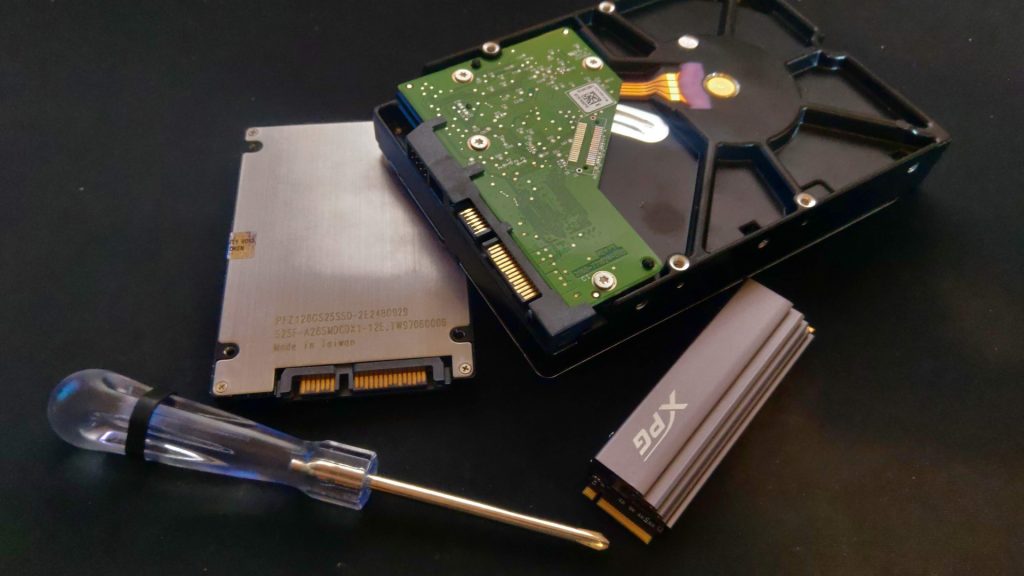
Storage determines where your operating system, games, and files are saved. In the past, many budget PCs relied on traditional hard drives. However, modern gaming systems benefit greatly from solid-state drives. An SSD dramatically improves loading times, system responsiveness, and game startup speeds.
For a cheap gaming PC under $500, you should aim for at least:
256GB SSD minimum
512GB SSD preferred
A 256GB drive can hold the operating system and a few games, while a 512GB drive provides more breathing room for larger game installations. Some gamers also add a secondary hard drive later for additional storage.
The Motherboard
The motherboard connects every component in the system. It acts as the central platform that allows the CPU, RAM, GPU, storage, and other devices to communicate. While the motherboard does not directly affect gaming performance, choosing the right one ensures compatibility and upgrade potential.
Important motherboard considerations include:
Socket compatibility with the CPU
RAM support and maximum capacity
Number of storage slots
Expansion slots for GPUs
Budget gaming PCs often use entry-level motherboards, which is fine as long as they support your chosen components.
Power Supply Unit (PSU)
>>The power supply converts electricity from the wall outlet into usable power for your computer components.
>>This part is often overlooked by beginners, but it is extremely important for system stability and safety.
>>A cheap gaming PC under $500 usually requires a power supply between 450 watts and 550 watts.
Reliable PSU brands include:
Corsair
EVGA
Cooler Master
Thermaltake
Using a quality power supply ensures your components receive stable power and reduces the risk of hardware damage.
The Computer Case
The case houses all the internal components of the computer. It also provides airflow to keep the system cool during gaming sessions.
While cases come in many designs and sizes, a budget gaming PC only needs a simple case with decent airflow and enough space for your hardware.
Many affordable cases include basic cooling fans and cable management features. Although aesthetics are optional, some gamers enjoy cases with tempered glass panels or RGB lighting. However, when working with a $500 budget, performance should always take priority over appearance.
Cooling System
Most budget gaming PCs rely on standard air cooling. The CPU typically includes a stock cooler provided by the manufacturer, which is usually sufficient for entry-level gaming systems.
As long as your case has decent airflow and at least one or two fans, temperatures should remain safe during gameplay. More advanced cooling solutions can always be added later if needed. Understanding these components will make it much easier to identify good deals and avoid weak systems.